ogo
Typetale
ogo
Typetale
  • Features
  • Pricing
  • Blog
  • What's new
  • FAQs
  • About
Start free trial
ogo
Typetale

The fastest way to launch your Ghost publication. Managed hosting with all the features you need to grow your audience.

Product

  • Features
  • Pricing
  • What's New
  • FAQ
  • Start Free Trial

Compare

  • vs WordPress
  • vs Substack
  • vs Medium
  • vs Ghost Pro

Alternative to

  • Ghost Pro
  • Substack
  • WordPress

Resources

  • About
  • Blog
  • Help Center

Legal

  • Privacy Policy
  • Terms of Service
  • SLA & Uptime
  • Refund Policy

Stay updated

Get the latest news, feature releases, and updates from Typetale delivered to your inbox. No spam, unsubscribe anytime.

© 2026 Typetale. All rights reserved.
GDPR-compliant • EU servers • Privacy-first analytics
Built with by the Typetale team

How to enable newsletter in Ghost

By Tilak Sasmal — Sun Nov 24 2024

1 min read

How to enable newsletter in Ghost

Overview

Email newsletters in Ghost can be scheduled and delivered to free or paid members. Newsletters are delivered using a template provided by Ghost and can be configured in the admin settings.

Ghost sites have a single newsletter by default, but additional ones can be created and customised. Having multiple newsletters allow you serve specific audiences and allow members to pick the once which interest them.

Prerequisites

Ghost blog on typetale

If you are using typetale then email delivery is included and is already configured for you.

Self-hosted

Self-hosted Ghost installs can configure bulk email by entering Mailgun API keys from the Email newsletter settings.

Delivering bulk email newsletters can’t be done with basic SMTP. A bulk mail provider is a requirement to reliably deliver bulk mail. At present, Mailgun is the only supported bulk email provider.

Step 1: Configure Email Settings

  1. Log in to your Ghost Admin panel
  2. Navigate to Settings → Newsletters → Edit
  3. Configure your newsletter information and customise your look and feel.

Step 2: Add Members

  1. Go to members page on ghost admin console sidebar.
  2. Add yourself as member to test newsletter
Testing Your Newsletter

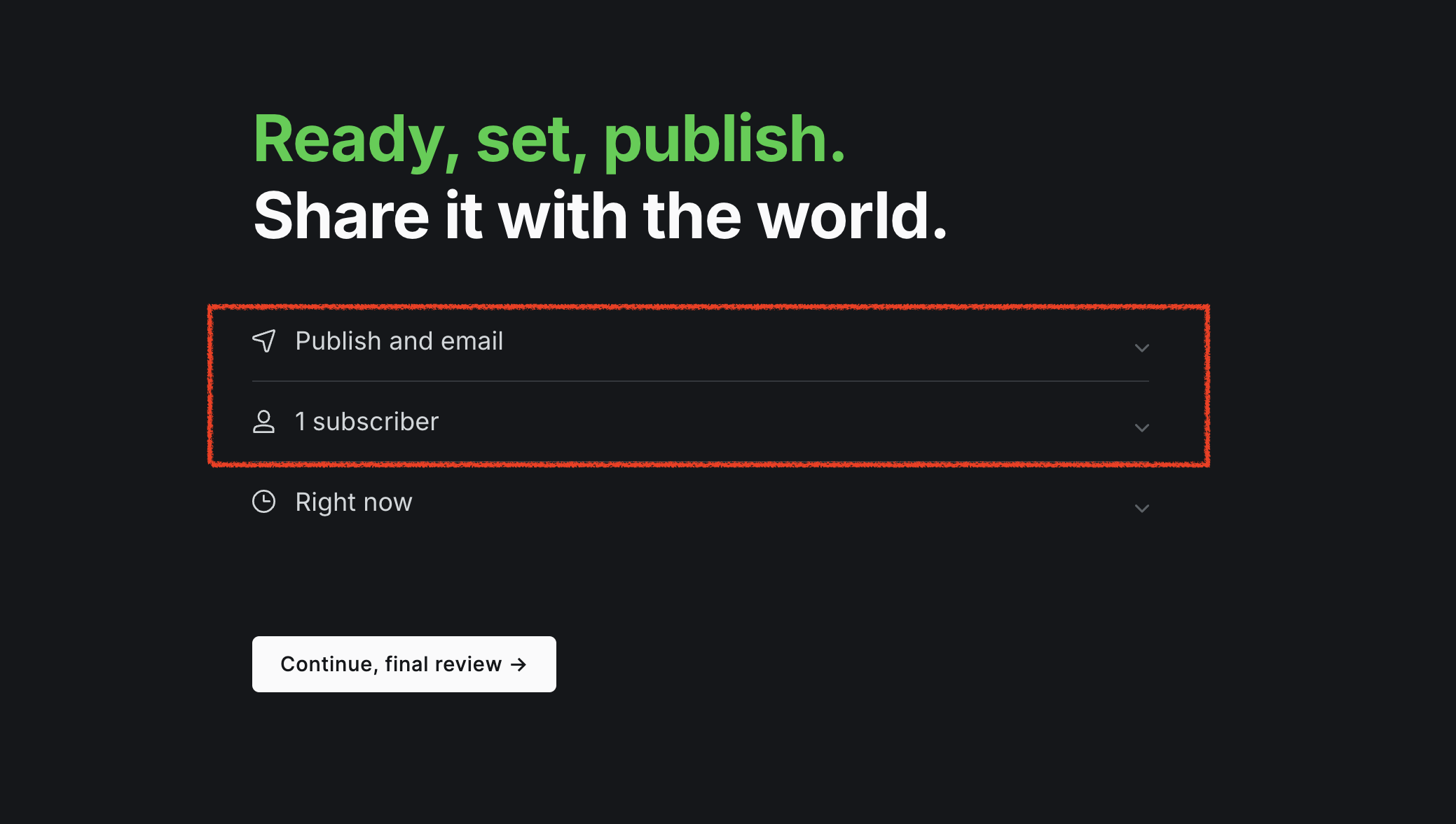
  1. Create a post and when publishing - "Publish and email"
  2. Continue and publish, you will get the newsletter delivered to your inbox.
  3. Check your email inbox and also check spam if you don't find it in your inbox.

Best Practices

  • Regular sending schedule
  • Compliance with email regulations (GDPR, CAN-SPAM)
  • Monitor engagement metrics

Troubleshooting

  • Verify Mailgun API keys
  • Check spam folder for test emails
  • Review Ghost logs for error messages if you are self-hosting

Remember to regularly review and update your newsletter strategy based on subscriber engagement and feedback.

Read more

Ghost 6: Ghost CMS SQL Injection (v3.24.0 – v6.19.0)

The cybersecurity community has identified a significant vulnerability within the Ghost CMS ecosystem. This is a third-party advisory intended to inform all administrators, developers, and stakeholder…

Tilak Sasmal•Feb 18, 2026•2 min read
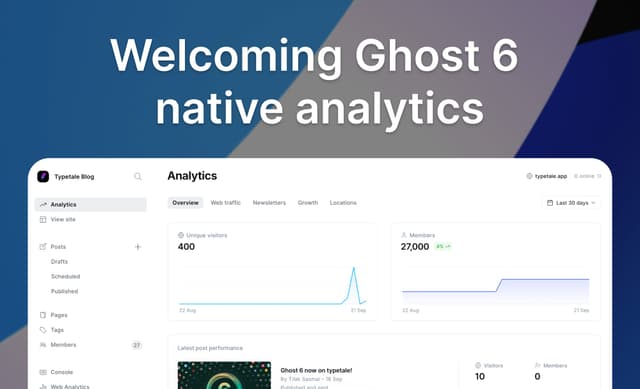
Welcoming Ghost 6 native analytics

We are going to deprecate the OG Plausible analytics in Favour of Ghost 6 introduced a native analytics. Read the post to know when we are going to sunset the OG Analytics.…

Tilak Sasmal•Sep 21, 2025•2 min read
Ghost 6 now on typetale!

Ghost 6 is now on Typetale! We've made some key changes to the official version to ensure your data stays private and your social network has no limits. Read on to learn how we're making Ghost 6 even …

Tilak Sasmal•Sep 18, 2025•2 min read
Feature drop from Typetale

✨ Greetings, wonderful typetale community! Merry Christmas 🎅 As we wrap up this incredible year, I hope you're finding joy and good health in these festive moments! I'm excited to share my first fea…

Tilak Sasmal•Dec 25, 2024•1 min read
Analytics dashboard is now live

Typetale now offers web analytics directly within the Admin dashboard, available to all users, including those on a free trial.…

Tilak Sasmal•Nov 24, 2024•1 min read