How to Add Custom Menu Options to Ghost Admin (Without Rebuilding!)
By Tilak Sasmal — Tue Apr 21 2026
3 min read

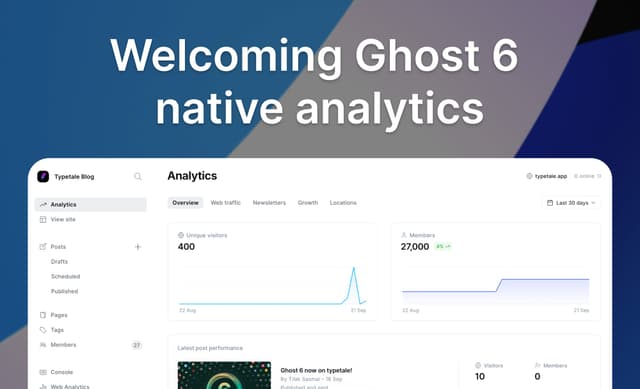
If you've ever built a robust publication on Ghost CMS, you might have hit a wall when trying to extend its Admin Console. Let's say you've built an external dashboard or a custom analytics page and you want to seamlessly link it from the Ghost Admin sidebar.
Ghost is unapologetically opinionated. Its Admin interface is a compiled application (a mix of Ember.js and React). Because of this, it natively lacks a plugin system to inject custom UI components like you might find in WordPress. The standard advice is: if you want to add a menu item, fork the repo, edit the source code, and rebuild the admin client.
But what if you can't or don't want to maintain a custom fork? What if you need to add a menu option without rebuilding the application?
After digging deep into the Ghost codebase, we've uncovered a couple of hidden opportunities to achieve exactly this.
1. The Undocumented clientExtensions
While Ghost doesn't advertise a way to inject code into the Admin UI, it quietly possesses a feature built exactly for this purpose: clientExtensions.
This feature was likely built for Ghost(Pro) to inject managed hosting specific scripts (like support chat widgets), but it is fully accessible to self-hosted instances.
How it works
In your Ghost environment file (config.production.json or config.development.json), you can define a clientExtensions block.
{
  ...
  "clientExtensions": {
    "script": {
      "src": "https://your-domain.com/admin-menu-injector.js"
    }
  }
}
json
When an administrator logs into Ghost, the backend passes this configuration to the frontend via the public config API. The Ember ApplicationController reads it and automatically injects the <script> tag directly into the DOM of the application shell.
Once your admin-menu-injector.js script is running inside the Admin environment, you have full Javascript execution privileges. Your script can use standard DOM manipulation to target the React sidebar, clone an existing navigation item, alter its href and icon, and append it to the menu list.
What about the container property?
If you've seen this feature mentioned in obscure GitHub issues, you might have seen a container property included:
"clientExtensions": {
  "script": {
    "container": "<div id='my-custom-modal'></div>",
    "src": "https://your-domain.com/admin-menu-injector.js"
  }
}
Is the container strictly required? No. The container property is just a convenience feature. If your script needs to mount a React component (like a billing modal), it's easier if the HTML element is guaranteed to exist the moment the script runs. However, if your script is only manipulating existing DOM elements (like adding a sidebar link), you can safely omit it.
2. Dynamic Linking via shared_views
If your goal isn't to link to an external dashboard, but rather to add a quick link to a specific filtered view of posts or members, there's a completely native, zero-code way to do this.
Ghost supports "Custom Views". Under the hood, this is powered by a JSON setting called shared_views.
The new React-based sidebar dynamically reads the shared_views setting from the database via the Admin API. If you update this setting (either through the Admin UI by saving a view, or programmatically via the API), the new React sidebar instantly reads it on the next page load.
It will render your custom link seamlessly under the collapsible "Posts" or "Members" menus—again, with zero rebuilds required.
Conclusion
While Ghost doesn't provide a polished, developer-facing "Admin UI Plugin API", its architecture still leaves the door open for clever extensions.
By leveraging the undocumented clientExtensions feature, you can inject external scripts to customize the Admin interface on the fly. And for internal navigation, mastering the shared_views API gives you dynamic control over how your editors navigate their content.
Happy hacking!